Test & Live Mode
When you sign up for Timekit you begin with an app in test mode. This is your sandbox where you can try out all the features of Timekit before you go live.
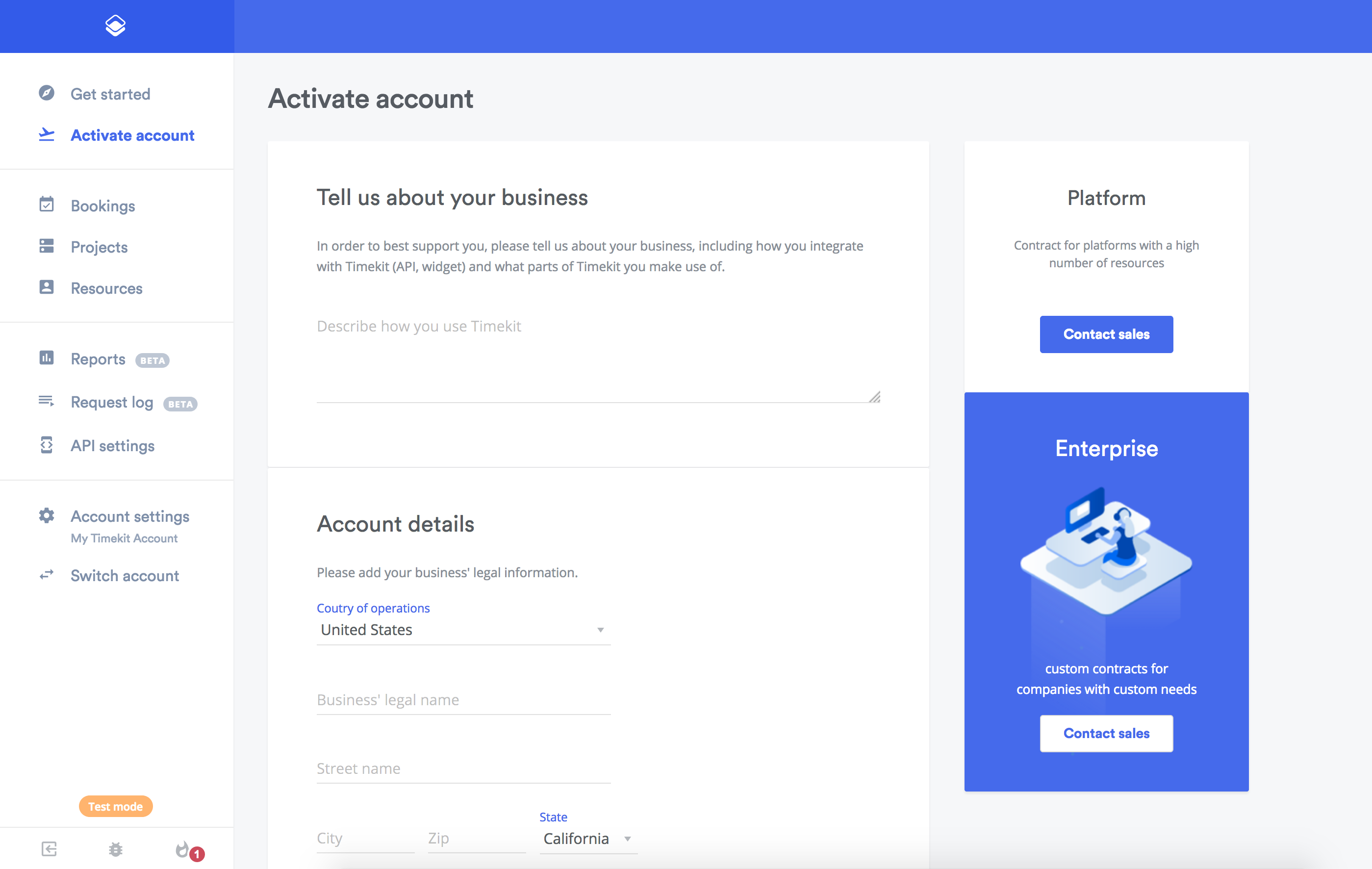
When you are ready to go live with your app, you need to activate your account from the Admin Dashboard.
Test mode in the API
Apps in test mode use API keys prefixed with test_ and behave a little differently:
- Every API response includes the header
Timekit-TestMode: true. - Bookings can only be made with the email address of an app owner as the customer email. Other customer emails are rejected with a
422. - Some features are not available in test mode, such as the email template endpoints (they return
403). - API access in test mode can be limited to a trial period (see
api_trial_expires_aton GET /app). Once the trial has expired, API requests return403with the message "Your API trial has expired - please upgrade to a paid plan or contact support to continue using the API!" until you activate your account.